Free DLC and In-Game Items
Game DLC, in-game items, skins and beta test keys you can claim right now, listed with their deadlines. Many items stay usable long after the offer ends as long as you register them, so claim before the deadline.





















Before you claim
🔗 Claims go through the source page
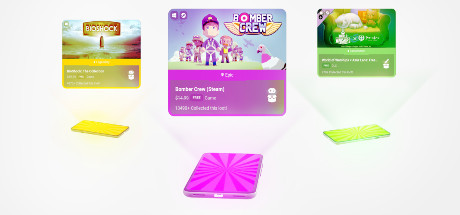
Clicking a card takes you to the source page (GamerPower and similar). Follow the instructions to add it to your store library, or enter the key you receive under something like Steam → Add a Game → Activate a Product.
🎮 Check whether the base game is required
DLC often needs the base game to be usable. Even without it, registering now means it works as soon as you buy the base game later.
⏰ Deadlines
Deadlines shown come from the source announcement. Giveaways with no stated deadline can end without notice, so registering right away is safer.
🆓 Free base games are listed separately
Free base-game giveaways (Epic, Steam and others) are on the home page, and game coupon codes are on the coupons page.