Epic Games Store
How to Claim Epic Free Games
The Epic Games Store rotates its free games every Thursday at 11 AM Eastern Time. With just an account you can keep them forever and play free for life. Check the current free games below, as of October 29, 2026.

How to Claim Epic Free Games
1
Create an Epic Games account
Go to store.epicgames.com, click "Sign in" → "Sign up" in the top right. All you need is an email address — it's free.
2
Open the free games page
Click the "Free Games" banner on the store home page, or go to the "Games" → "Free Games" tab. The current giveaways are listed there.
3
Click the "Get" button
On the free game page, click the blue "Get" button. Make sure the price shows $0 on the order confirmation screen, then place the order.
4
Check your library and download
After ordering, the game is added to your Library. Download it via the Epic Games Launcher anytime — once claimed, it's yours forever.
Tips so you never miss one
📅 Remember the rotation day
New free games arrive every Thursday at 11 AM ET, and the previous ones go back to paid at the same time. Claim by Wednesday night to be safe.
💻 No download needed
You don't have to play right away — just add it to your library and install whenever you like.
📱 Works on mobile too
You can claim free games in the Epic Games mobile app (iOS/Android). No PC needed.
FAQ
No — it's completely free. You only need an email address, and no payment info is required.
Games added to your library are yours forever. You can keep playing after the giveaway ends.
Claiming (adding to your library) works in a browser. To actually download and play, you need the free Epic Games Launcher.
Once the giveaway ends, the game can't be claimed free anymore, but the same game is sometimes given away again later.
📜 Every Epic Games freebie of 2026
38 games have gone free on Epic so far this year
| Month | Game | List price |
|---|---|---|
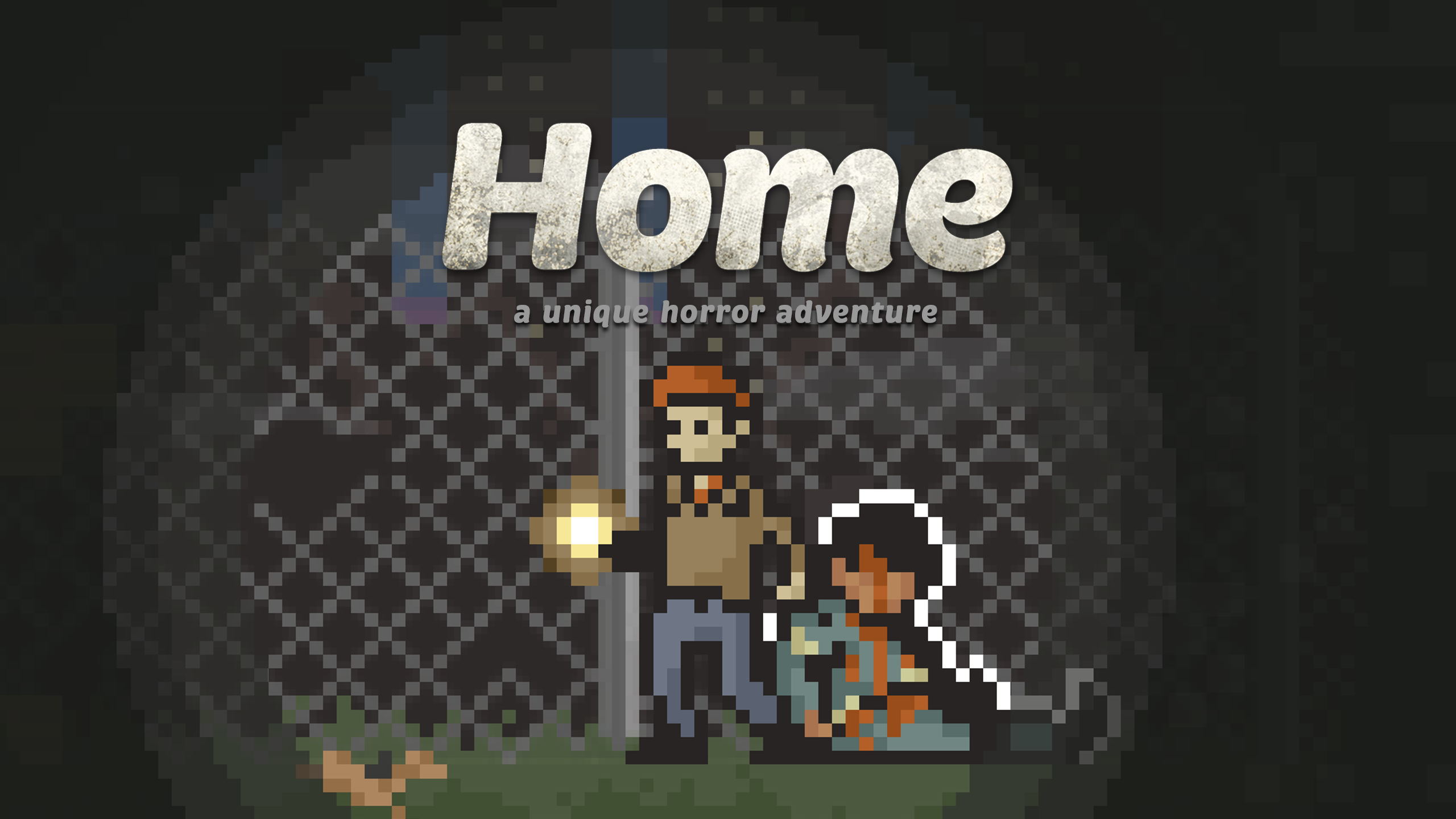
| Month 10 | Home - A Unique Horror Adventure | $3.81 |
| Bad Cheese | $10.03 | |
| Agent A | $15.38 | |
| Out of Sight | $12.02 | |
| TerraScape | $12.99 | |
| BURIED STARS | $30.62 | |
| Astrea Six Sided Oracles | $18.88 | |
| Month 9 | Shogun Showdown | $11.21 |
| Astral Ascent | $18.98 | |
| Luftrausers | $7.45 | |
| Alone With You | $7.62 | |
| Breathedge | $19.65 | |
| Month 8 | Epic Mage Bundle | |
| Caravan SandWitch | $23.00 | |
| We Were Here Together | $9.39 | |
| Sol Cesto | $10.89 | |
| Month 7 | Echo Generation: Midnight Edition | $17.31 |
| Tattoo Tycoon | $21.50 | |
| I Have No Mouth, and I Must Scream | $6.77 | |
| I Have No Mouth, and I Must Scream | $7.61 | |
| RollerCoaster Tycoon 3 Complete Edition | $15.30 | |
| Voidwrought | $15.22 | |
| Month 6 | ROBOBEAT | $15.30 |
| The Ouroboros King | $7.61 | |
| Warhammer 40K Speed Freeks | $15.22 | |
| Rogue Waters | ||
| Songs of Conquest | ||
| Calico | ||
| LONESTAR | ||
| Month 5 | Down in Bermuda | |
| Sunderfolk - Standard Edition | ||
| Arranger: A Role-Puzzling Adventure | $16.04 | |
| Trash Goblin | $15.22 | |
| Firestone Online Idle RPG | ||
| Oddsparks: An Automation Adventure | $20.90 | |
| Month 4 | DOOMBLADE | $13.06 |
| The Stone of Madness | $22.91 | |
| Prop Sumo | $7.61 |
More free game sources
🔔 Get alerts for new freebies & couponsNew Epic freebies, 24-hour deadlines and fresh coupon codes, as they drop.